
Application
Present and demonstrate on the move
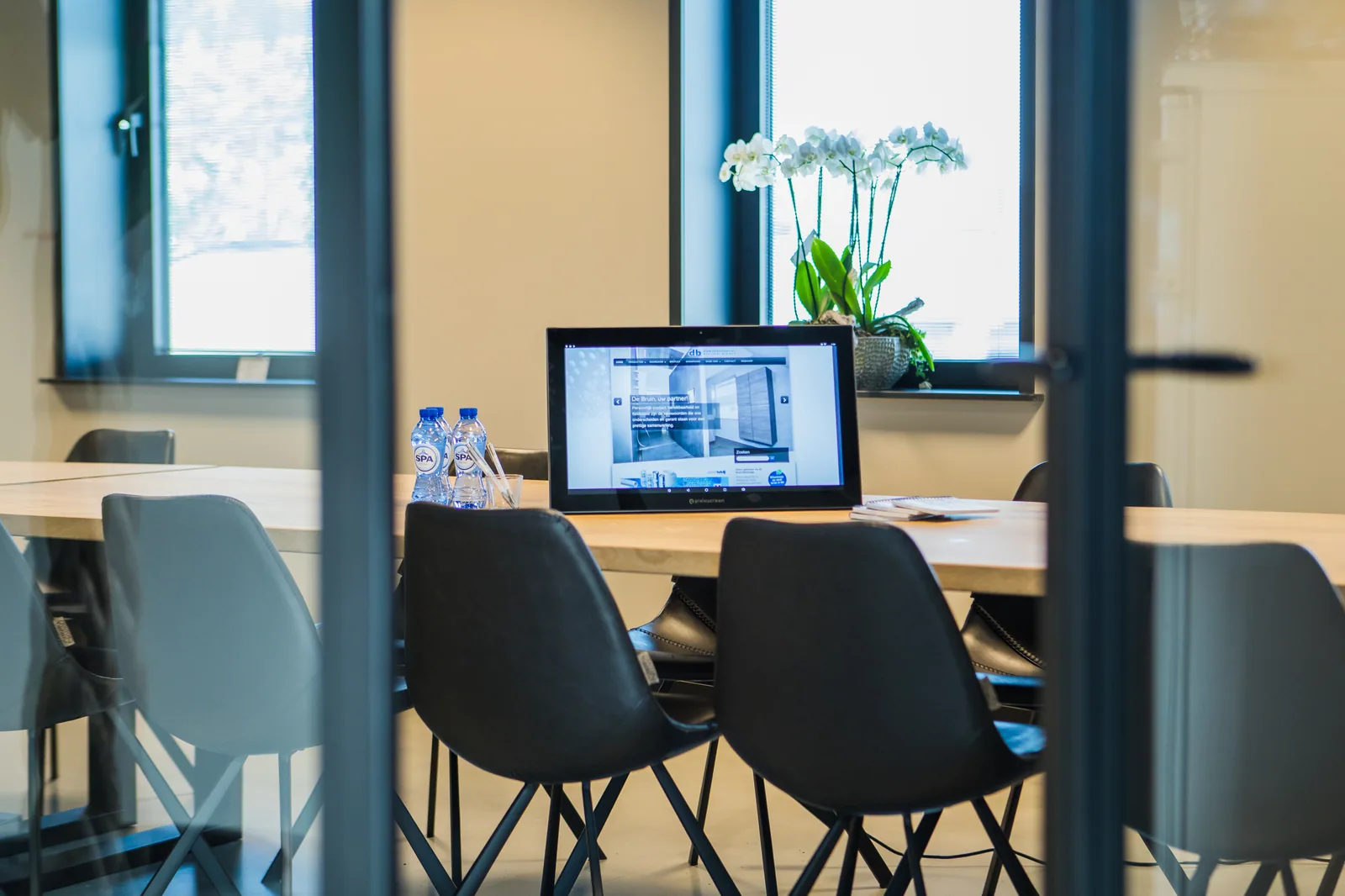
Use one professional screen flexibly for presentations, training and demonstrations in multiple prepared rooms.
Product and model
Recurring presentations, training sessions and demonstrations in which the screen is moved between suitable locations within an organisation.
Choose Touch or Non-Touch, the screen size and the mounting. Android is built in. Choose the additional Pixio App if you want to update content remotely.
Which version do you need?
- Between which spaces is the screen moved?
- Is touch interaction needed, or just presentation?
- Which sources, connections and content must work everywhere?
- Who moves, checks and manages the setup?
Ordering and setting up
Steps for this application.
Map out spaces, routes and usage moments.
Choose operation, setup and connection route based on the task.
Test movement, startup, content and recovery in every representative space.