
Knowledge base
Screen types, Android and mounting explained.
Practical explanations, ideas and answers to frequently asked questions. Read what matters for your plans.
Knowledge and advice
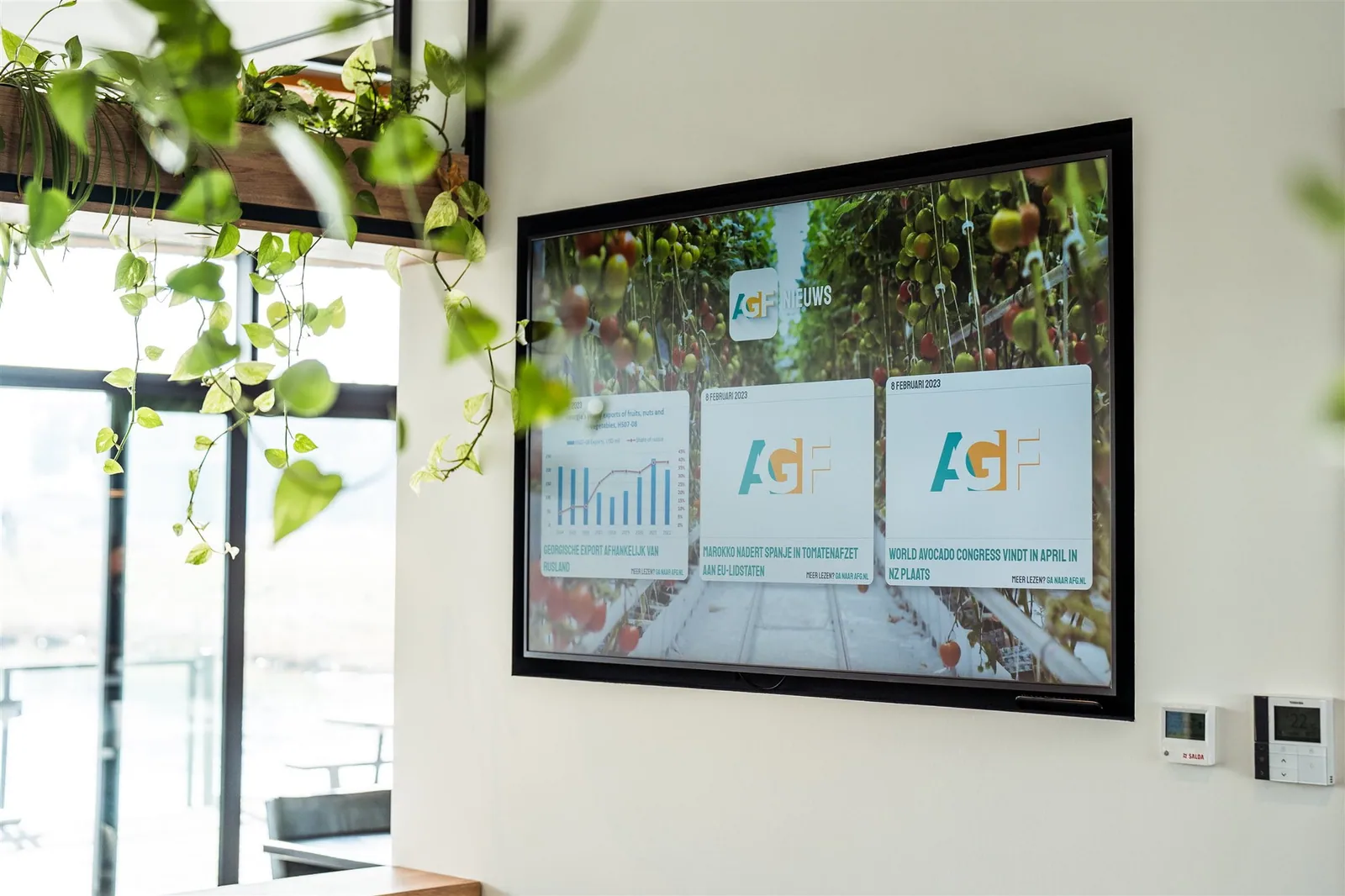
Designing and testing data feeds and screen links
Make source, fields, permissions, error behaviour, fallback and monitoring demonstrable before agenda, stock, till or other live data is trusted on a screen.
Read the article →Knowledge and advice
A screen network that scales in a controlled way
First demonstrably build groups, roles, publication, monitoring and recovery, and only then expand to more screens or locations.
Read the article →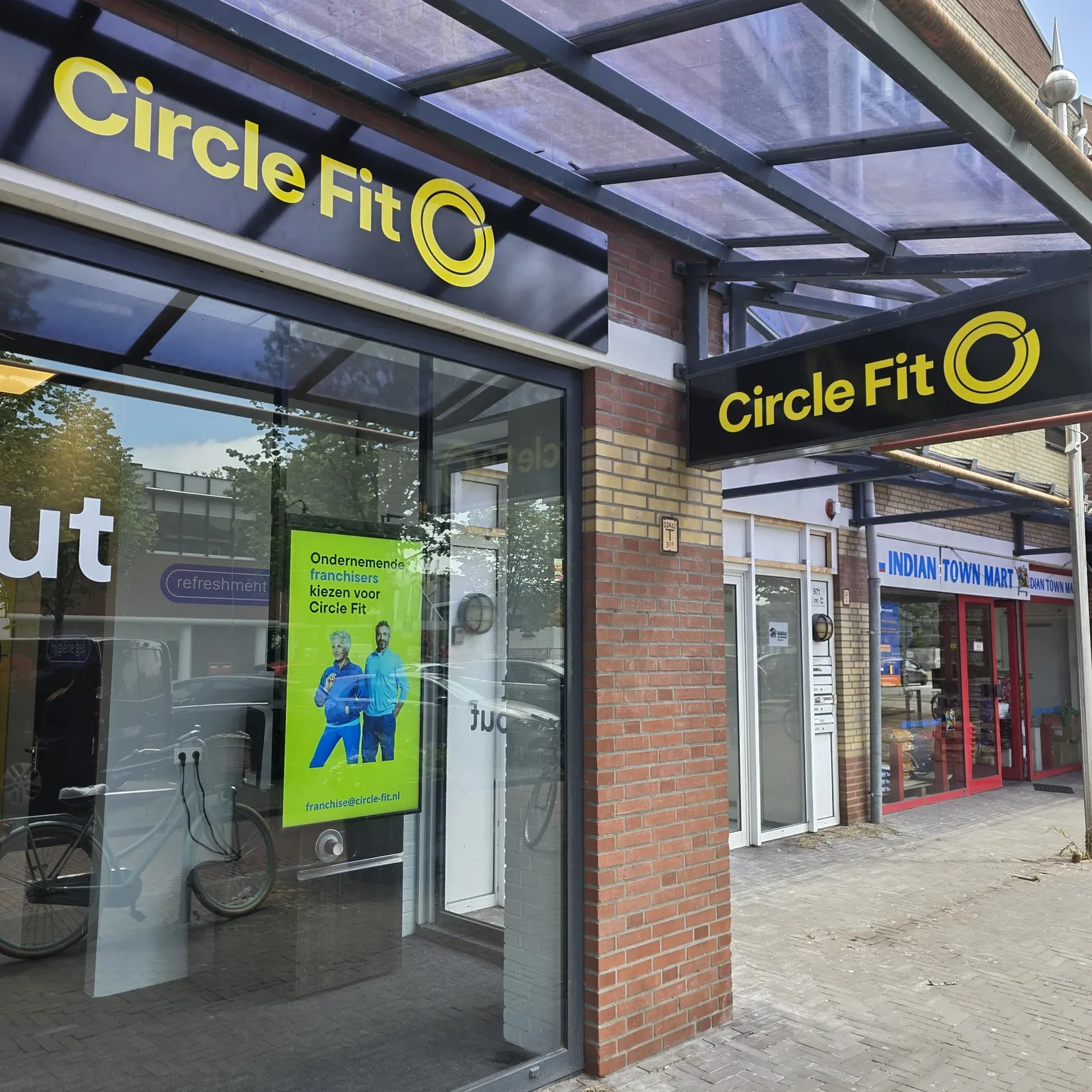
Knowledge and advice
Brightness and visibility in a shop window
Why ambient light, viewing angle and hours of use come before screen size.
Read the article →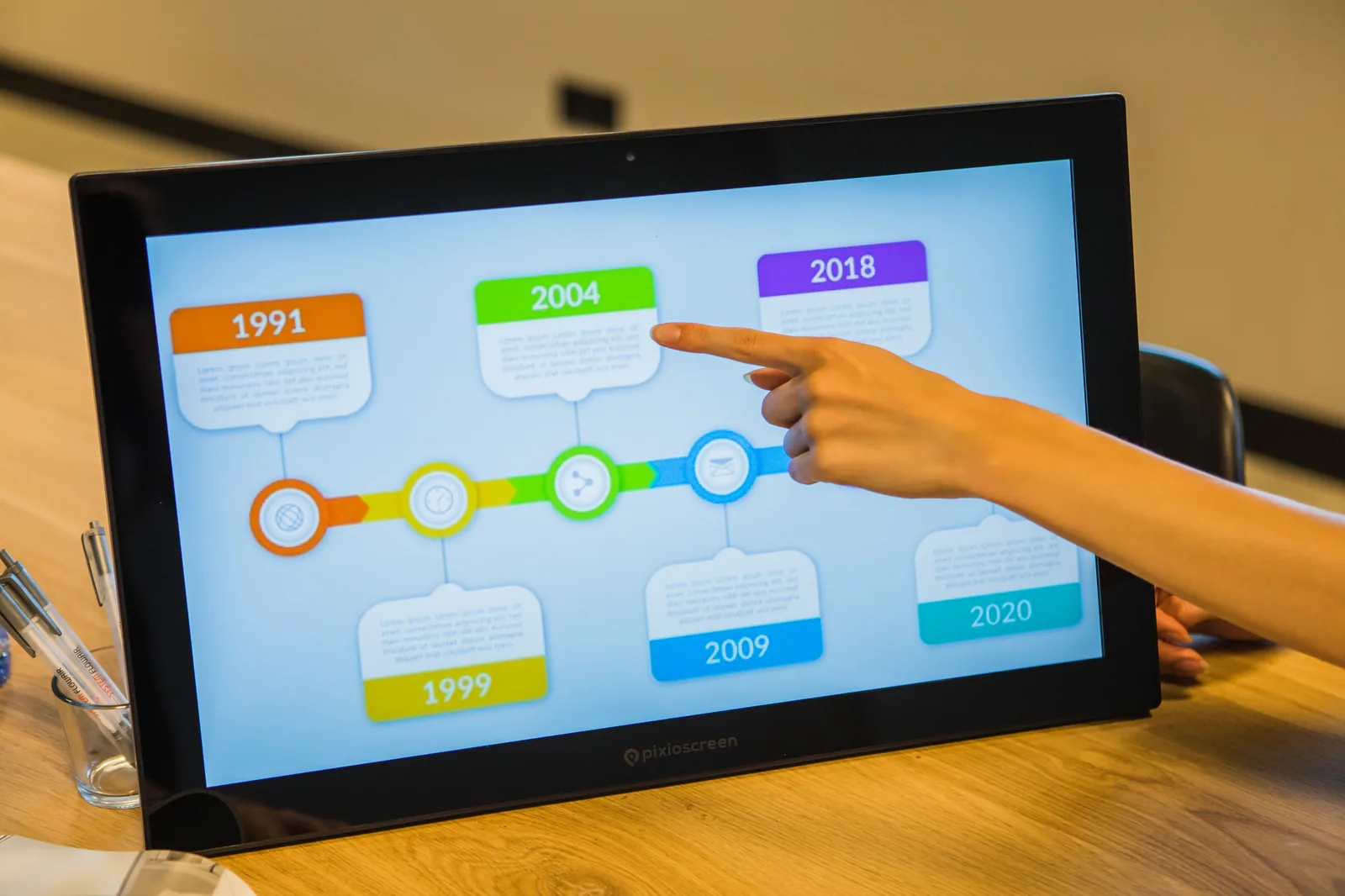
Knowledge and advice
Choosing a professional screen from the space
A practical sequence for light, viewing distance, touch, mounting and usage hours.
Read the article →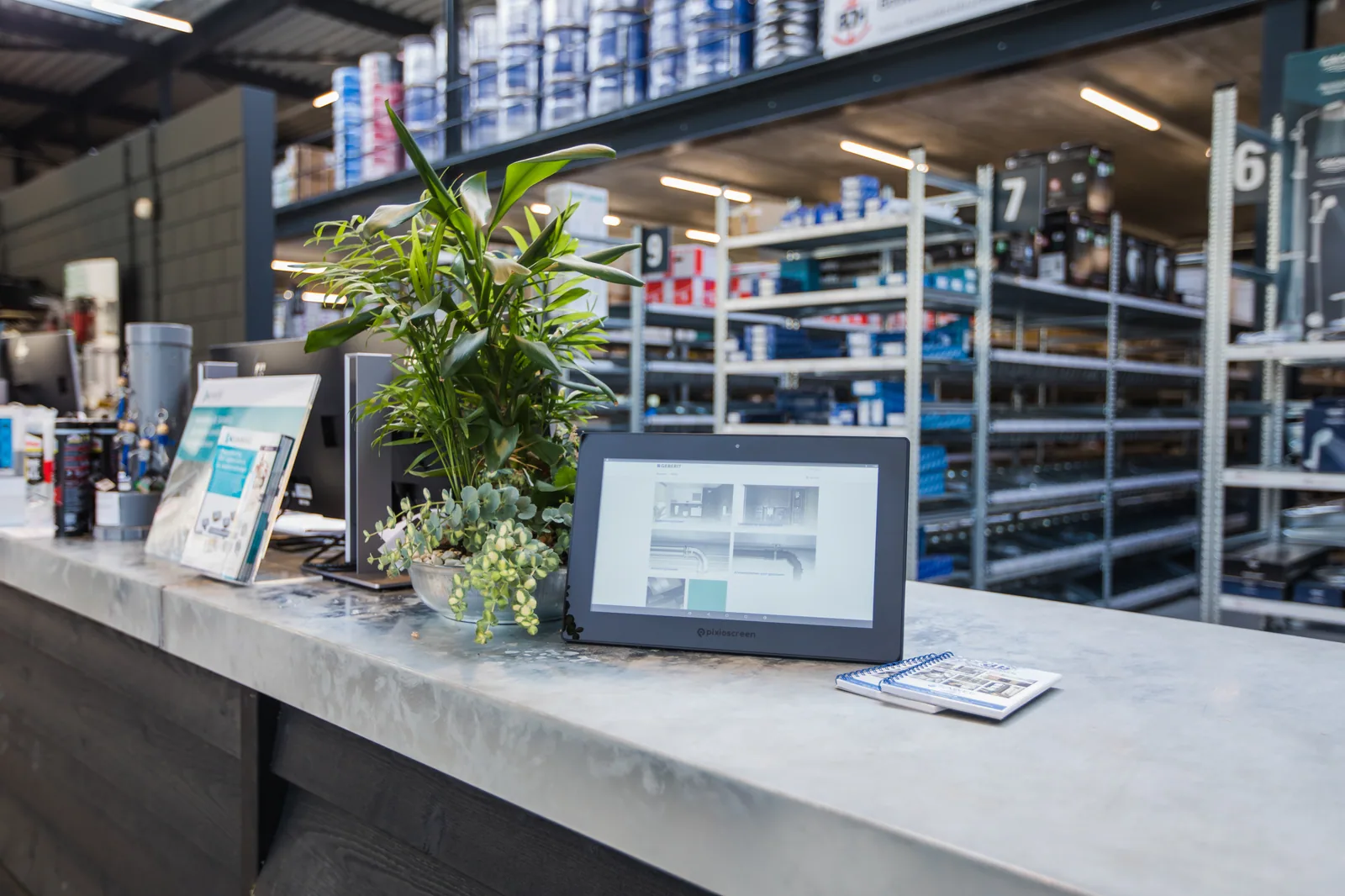
Knowledge and advice
Planning and managing screen content
Set up goals, roles, planning, publication, fallback and re-evaluation before you choose a local or central screen platform.
Read the article →Knowledge and advice
Designing screen templates and testing them in a manageable way
Create reusable screen content from the task, brand rules, real data and the actual viewing route rather than a separate visual sample slide.
Read the article →
Knowledge and advice
Frequently asked questions about PixioScreen
Answers to the key choice questions about screen type, touch, mobility, content, placement, price and management.
Read the article →Knowledge and advice
What is included in a narrowcasting solution?
Screen, player, CMS, content, connection, management and service as one system.
Read the article →