
Knowledge and advice
A screen network that scales in a controlled way
First demonstrably build groups, roles, publication, monitoring and recovery, and only then expand to more screens or locations.
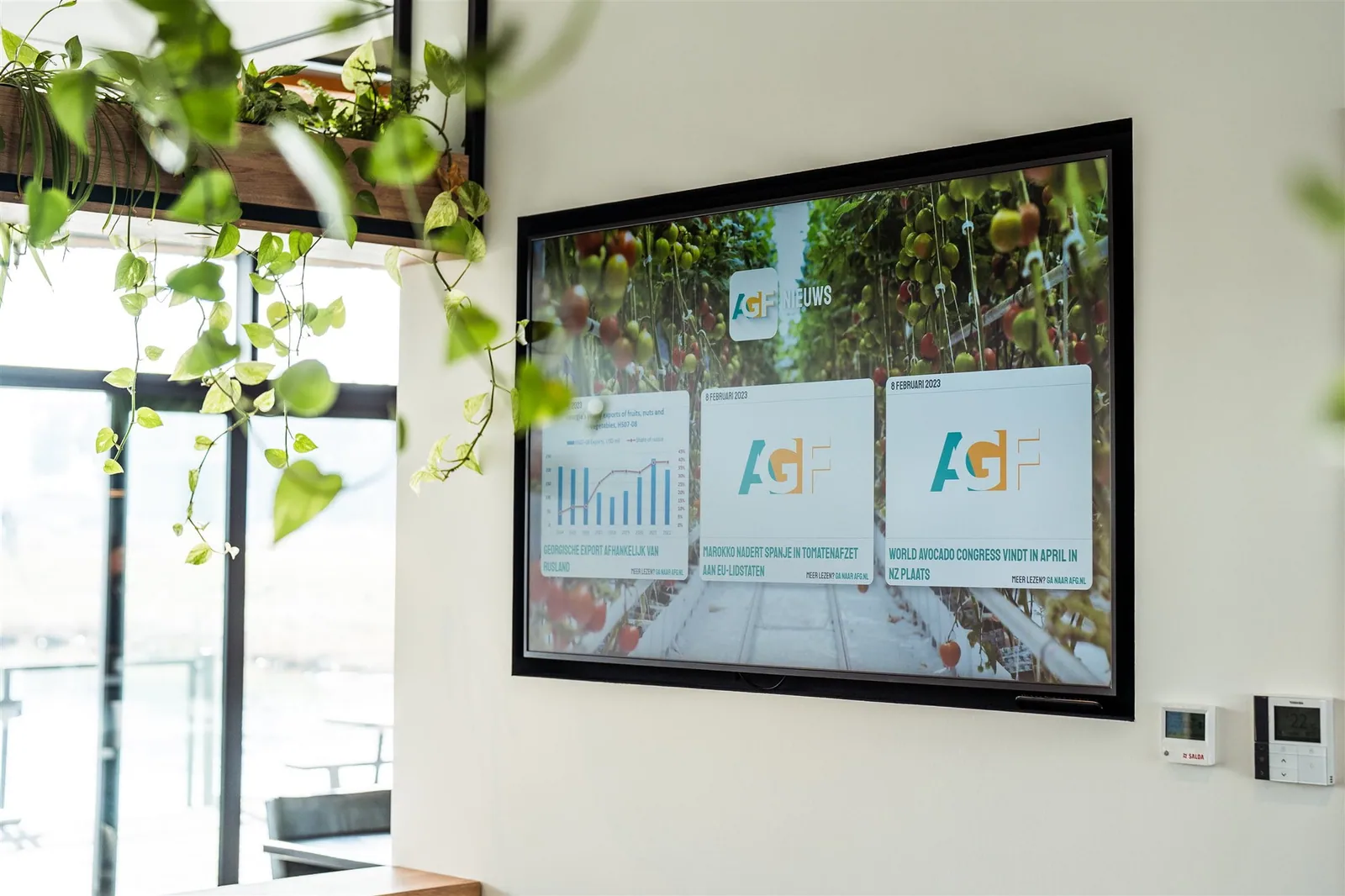
Start with the organisation, not with the desired number of screens. Record per location, audience moment and screen group which task the content supports, which source provides the content and who owns it content-wise, technically and operationally. Use recognisable names for locations, screens, playlists and user roles. That way, an administrator can trace deviations and you avoid a collection of separate accounts, files and devices understood only by the original installer.
Design groups and permissions based on responsibilities. A central owner can oversee brand, safety or organisation-wide information, while a local manager changes only assigned screens and content zones. Give users the minimum access needed, record approval and publication, and periodically check whether roles are still correct. The exact capabilities of a platform are confirmed by current supplier documentation and the chosen agreement, not by a general knowledge article.
Choose cloud, in-house management, open source or a hybrid route only after comparing connectivity, data sensitivity, technical knowledge, support, update responsibility, continuity and the total management burden. A solution without a separate licence invoice may still require hosting, security, backups, maintenance and outage hours. Make responsibilities and recovery times explicit and assess hardware, player, platform and service as one management chain.
Carry out every expansion via a representative pilot group. Test registration, screen enrolment, grouping, permissions, content upload, scheduling, publishing, visual verification on the actual screen, network failure, restart and rollback to an approved backup version. A dashboard notification does not count as final proof when the public display lags behind or shows an incorrect version. Record findings, correction and retest before copying the same configuration to other locations.
Set up monitoring and change management before the network becomes business-critical. For each incident, record which alert is triggered, who responds, how the last valid content remains visible and when local action is needed. Store platform version, configuration, screen group, content version and proof of acceptance together, and retest after changes to software, account permissions, network or device. Only scale further when daily management and recovery demonstrably work without dependence on one person.