
Knowledge and advice
Designing screen templates and testing them in a manageable way
Create reusable screen content from the task, brand rules, real data and the actual viewing route rather than a separate visual sample slide.
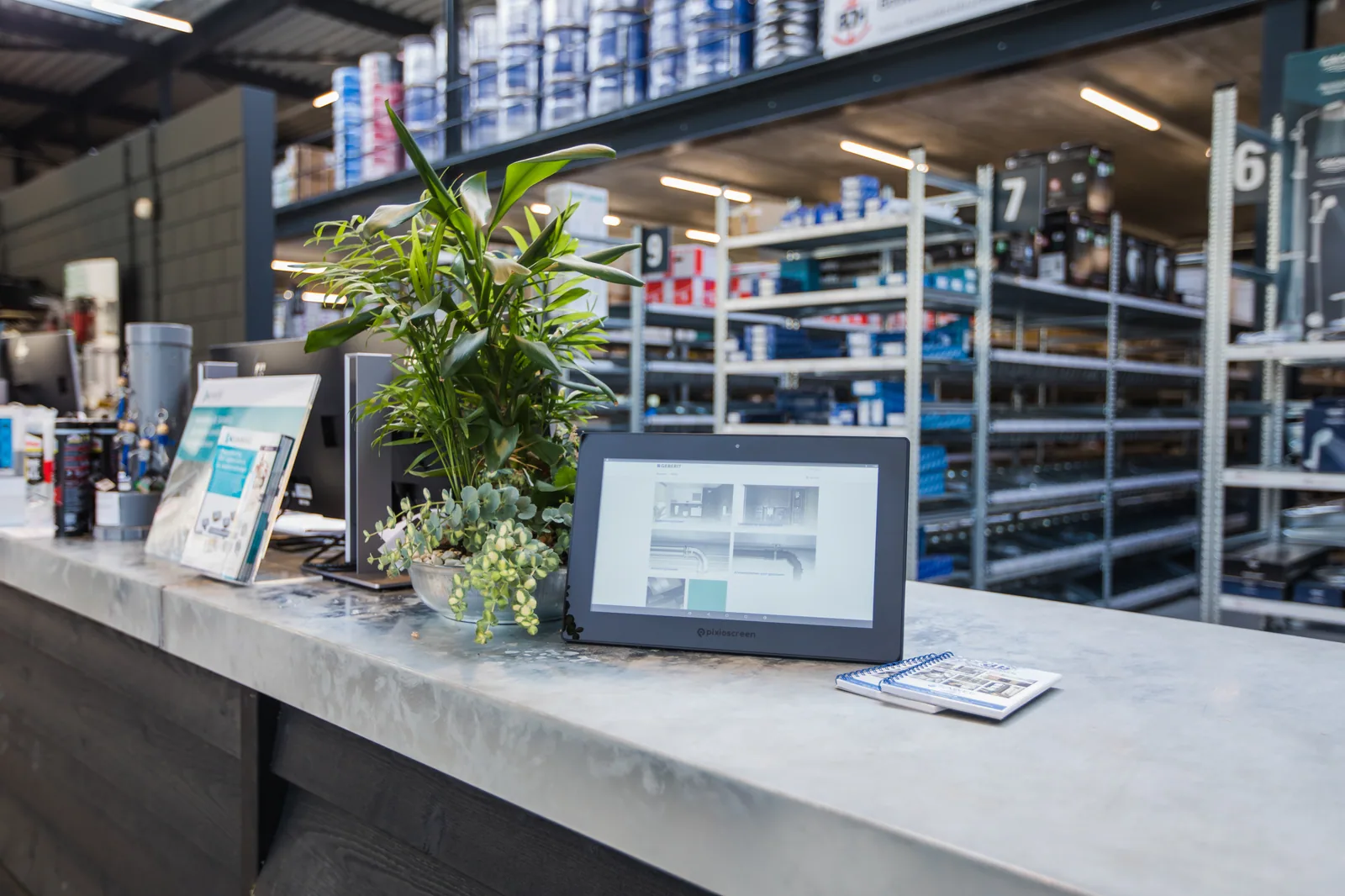
Start with the viewer’s task and the place where the message appears. For each template, define what someone must notice, understand or use, what follow-up step is needed and how much time and distance are realistically available. Only then choose orientation, layout and motion. A beautiful design without a clear task, validity period or content owner quickly becomes an unmanageable presentation that does not fit the visitor or the screen.
Create a fixed content structure with recognisable zones for brand, main message, supporting information, image and next step. Decide which elements remain centrally locked and which local administrators may change. Use design files and exports that suit the current screen version, player and publication route. Format, resolution, colour reproduction, file type and any animation are therefore tested against the actually chosen chain and not prescribed as a universal value.
Let variable information come from the designated company source. Product names, prices, stock, times, schedules and contact details are not copied unchecked into a separate template. Define per field the owner, validity, maximum text length, error behaviour and fallback display. Also test long names, missing images, unusual amounts and delayed source data so that a design not only looks good with ideal sample content but remains reliable under normal management pressure.
Assess readability and accessibility with the real content in the real location. Check hierarchy, language, contrast, typography, viewing angle, reflection, motion and visibility of the next step, and provide key information without relying on sound or decorative animation. Use representative users and different times of day to see where someone hesitates or misses information. A design tool or sample view does not replace that test on the physical screen.
Publish templates as managed versions with owner, change note, effective date, end date, screen groups and an approved fallback version. First test on a designated screen, then visually check the intended locations and record how an incorrect publication is withdrawn. Periodically evaluate outdated campaigns, local deviations and actual use. This keeps the library small, recognisable and recoverable, and custom work is only added when a demonstrable content or brand need requires it.