
Knowledge and advice
Designing and testing data feeds and screen links
Make source, fields, permissions, error behaviour, fallback and monitoring demonstrable before agenda, stock, till or other live data is trusted on a screen.
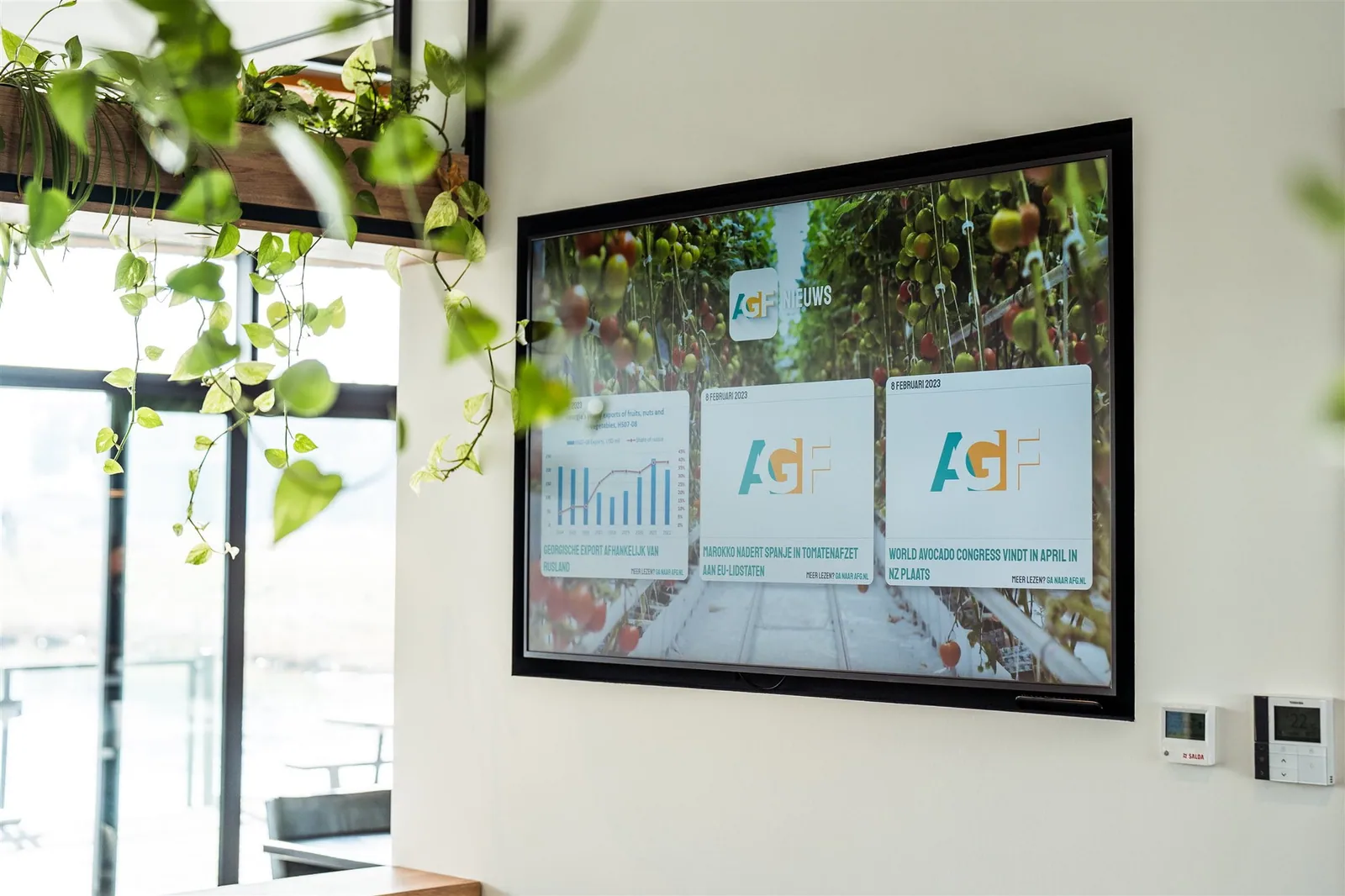
First describe what information is needed on the screen and from which source system it comes. Define the meaning, owner, freshness requirement, screen group and permitted editing for each field. Also determine which data must not be shown on a public screen. A connection then starts as a data contract, not a technical shortcut. Product, price, stock, calendar and visitor information each have their own substantive and legal owner.
Map the full route from source via any intermediate layer and player to the visible output. Define authentication, permissions, encryption, network boundary, synchronisation moment, local storage and separation between development, test and live environments. Use test records without real personal data and give the screen application only the minimum access necessary. Current supported platforms, protocols and device functions are confirmed from the chosen supplier documentation.
Test normal and exceptional situations with the same setup used on site. Check adding, changing and deleting source information, delay, duplicate records, missing fields, invalid values, interrupted connection, restart and recovery. Always check on the actual screen whether the correct information is shown. A successful source call or dashboard status is not enough if an old price, occupied room or sold-out product still remains visible.
Design for errors before enabling automatic publishing. Choose a safe fallback display, maximum acceptable age, notification, owner and shut-off route for each data set. If the source fails, a screen must not present invented availability or outdated commercial information as current. For schedule, visitor, camera, sensor or customer data, data minimisation, visibility, legal basis, retention period and rights are assessed separately by the responsible privacy or legal owner.
After acceptance, define monitoring, change management and periodic retesting. Keep source version, field mapping, test evidence, approval and fallback together and test again after changes to the source, platform, account permissions, screen software or network. An integration only counts as working when the full path, error states and recovery have been demonstrably completed. The final service, price, support and response time come from the current central project source and not from this guide.